

1401, Block B, Jinyu International Center, Changping District, Beijing
Views: 0 Author: Site Editor Publish Time: 2026-09-02 Origin: Site


Data center energy consumption is increasingly under the microscopic focus of executive boards today. This intense scrutiny shifts server power from a purely operational metric into a strategic, high-stakes concern. Facilities cannot simply draw unlimited electricity anymore. Global regulatory pressures demand drastic reductions in carbon footprints. Meanwhile, IT leaders face a constant, difficult tension. They must maximize workload performance to prevent latency. At the same time, they must minimize energy waste to reduce operational expenses and meet demanding ESG targets. Balancing these conflicting demands requires immense precision and clear visibility.
In this comprehensive guide, we will define the exact mechanisms governing server energy consumption. We will outline the primary configuration tiers across hardware, operating systems, and software platforms. You will learn how each layer influences overall efficiency. Finally, we will provide a clear, actionable framework for evaluating management strategies. You can implement these practices without ever compromising your critical application SLAs or disrupting daily operations.
Effective server power management requires aligning hardware states (C-states/P-states) with operating system policies and hypervisor-level orchestration.
Relying solely on default "Balanced" power profiles often leaves significant efficiency gains on the table or inadvertently throttles latency-sensitive workloads.
Evaluating a power management strategy requires measuring performance-per-watt, ensuring vendor interoperability, and establishing a robust baseline before deployment.
Successful implementations roll out in phases—prioritizing non-critical workloads first to accurately gauge the impact on system responsiveness.
Many IT teams incorrectly assume idle hardware uses very little electricity. This remains a highly costly misconception across the industry. Standard servers often consume 40 to 60 percent of their maximum peak draw even when sitting completely idle. These "zombie" servers represent a massive financial drain on corporate budgets. Administrators often over-provision resources to handle rare peak traffic spikes. Once those traffic spikes subside, the hardware remains fully powered. Underutilized racks generate unnecessary ambient heat in the data center. They force complex cooling infrastructure to work considerably harder than necessary. Actively regulating server power actively eliminates this widespread financial drain.
Modern data center operators must shift their focus from absolute electricity draw to true computational efficiency. Performance-per-watt serves as the core metric for this evaluation. Modern CPUs require highly dynamic tuning to achieve optimal throughput per kilowatt-hour. You cannot simply look at total monthly consumption anymore. A system drawing 300 watts to process 10,000 transactions is vastly more efficient than one drawing 200 watts for a mere 2,000 transactions. You need intelligent dynamic scaling to consistently hit these efficiency sweet spots.
Furthermore, facilities face rapidly growing compliance mandates regarding baseline energy usage. You must comply with strict ENERGY STAR ratings and evolving local grid regulations. Corporate sustainability goals also demand verifiable, highly accurate reporting. Active management software gives you the precise telemetry data necessary for ESG compliance. You can prove your efficiency gains to external stakeholders clearly, legally, and accurately.
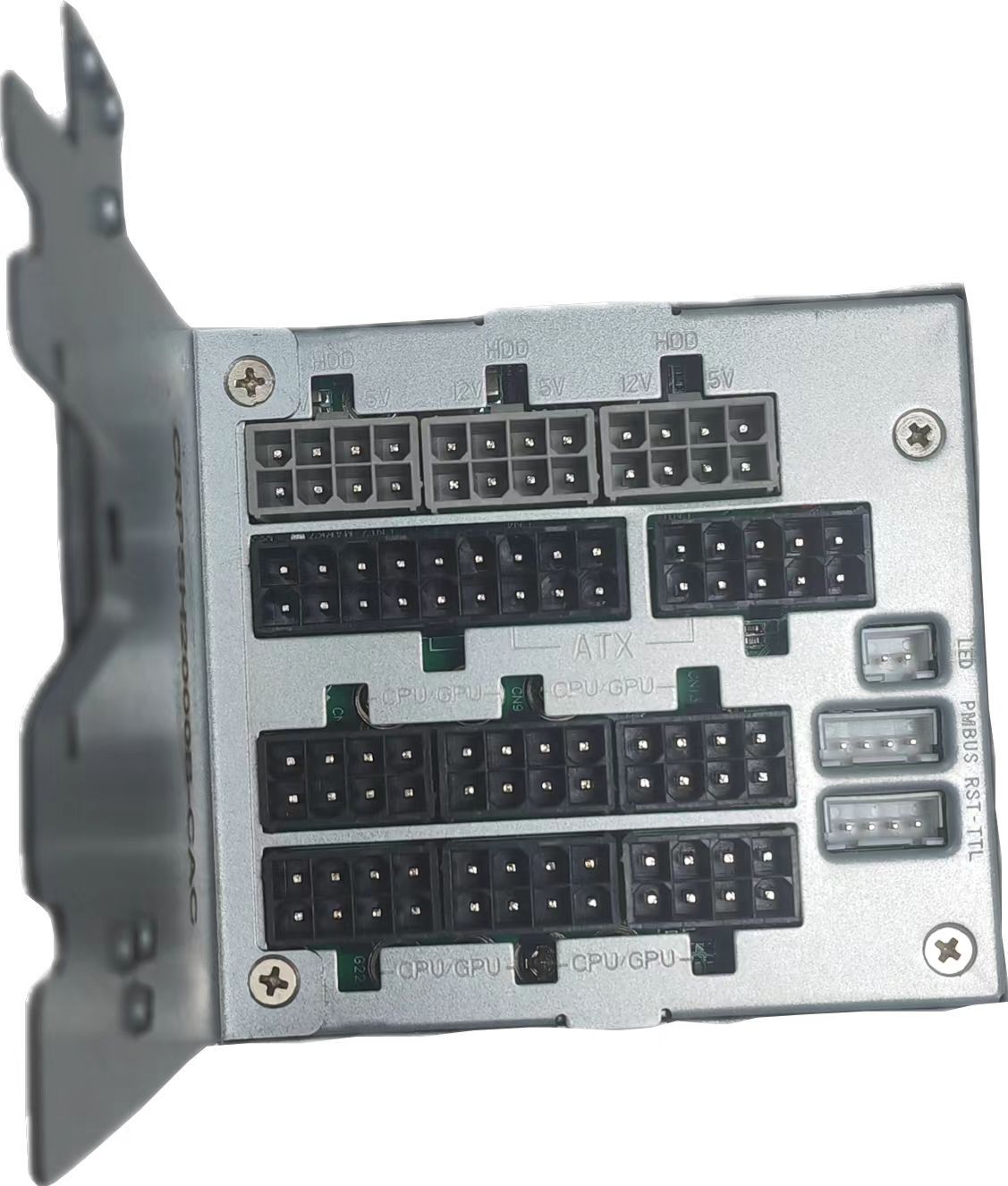
True energy optimization requires precise coordination across multiple technology layers. You need your raw hardware, operating systems, and virtual hypervisors working together seamlessly. A misalignment at any layer disrupts overall efficiency.
At the lowest physical level, hardware and firmware dictate fundamental baseline behavior. Processors utilize specific architectural states to scale consumption up or down.
C-States (Idle States): These govern exactly how processors power down completely inactive cores. Deeper C-states physically shut off more internal CPU components, clearing caches and pausing clocks to save massive energy. However, deeper sleep states require significantly more time to wake up and resume processing.
P-States (Performance States): These strictly control the active cores executing instructions. They dynamically scale voltage and operating frequency based on immediate application demand. Lower P-states run slower but consume far less energy during light tasks.
Baseboard Management Controllers (BMCs) also play a deeply crucial role here. They provide secure, out-of-band management interfaces for capping physical energy usage. They constantly monitor internal thermal data to prevent catastrophic hardware damage during cooling failures.
Above the raw hardware, your Operating System (OS) applies its own specific tuning logic. Operating systems like Windows Server or enterprise Linux distributions interact directly via the Advanced Configuration and Power Interface (ACPI). ACPI dictates whether the underlying hardware leans toward maximum computational performance or maximum energy savings. The OS acts as the critical middleman between hardware capabilities and software demands.
Finally, virtualization and software orchestration add the highest layer of intelligent control. Advanced hypervisors such as VMware vSphere or Microsoft Hyper-V can actively consolidate workloads in real time. They migrate active virtual machines to fewer physical nodes during quiet off-peak hours. This automated migration completely clears out empty nodes. These newly idle servers can then enter deep sleep or standby modes until traffic increases again.
You have several distinct avenues available to enforce these optimization policies. Choosing the right toolset depends heavily on your environment scale, budget, and internal engineering capabilities.
Original Equipment Manufacturer (OEM) tools like HP iLO or Dell iDRAC offer extremely deep hardware integration. They come included securely and directly on the physical chassis. Administrators can adjust firmware settings without ever touching the operating system. However, they consistently create severe vendor lock-in. They become exceedingly difficult to manage across heterogeneous, multi-vendor data centers. IT teams loathe logging into four different proprietary dashboards just to adjust baseline configurations.
OS-native plans provide another highly accessible option. They are completely free, universally standardized, and very easy to configure globally via centralized group policies. Unfortunately, they lack deep granular visibility into physical hardware metrics. They react passively to incoming workloads rather than predicting them intelligently based on historical trends.
Centralized Data Center Infrastructure Management (DCIM) and active software platforms offer the most advanced, comprehensive capabilities. They remain strictly vendor-agnostic and utilize advanced predictive automation. They also integrate room cooling metrics directly with internal IT loads. The primary downside is overall deployment complexity. They require a substantial upfront financial investment. Furthermore, they demand tight cross-departmental alignment between Facilities engineers and IT systems administrators.
Comparison Chart: Server Power Management Solutions
Solution Type | Primary Advantages | Main Limitations |
|---|---|---|
OEM Tools (iLO, iDRAC) | Deep hardware integration; Securely included out-of-band | Risk of high vendor lock-in; Hard to scale in mixed environments |
OS-Native Plans | Free to use; Easy global deployment via group policy | Highly reactive logic; Lacks deep granular visibility |
Centralized DCIM | Vendor-agnostic; Predictive automation; Advanced ESG reporting | Complex initial integration; Requires Facilities and IT alignment |
Selecting an effective strategy requires a careful, methodical evaluation of your specific operational needs. You must always weigh potential financial savings against critical performance risks.
Granularity of Control: Determine exactly how finely you can tune settings. Does the proposed solution allow tuning at the individual application or virtual machine level? Some basic legacy tools only apply broad, blanket policies across an entire rack. Blanket policies often cause severe performance bottlenecks for specific applications housed within that rack.
Latency vs. Savings Trade-Offs: Understand thoroughly how the system handles transition "wake-up" latency. This consideration is absolutely crucial for financial platforms or real-time database clusters. Deep CPU sleep states introduce minor microsecond delays during wake sequences. These tiny delays are completely unacceptable for high-frequency trading networks or live transactional systems.
Telemetry and Auditing: Look for platforms capable of generating accurate, historical consumption reports. You critically need this verifiable data to validate corporate ESG claims legally. Precise telemetry also enables highly accurate chargeback billing models. If the marketing department runs heavy computational analytics, the system bills them accordingly based on actual kilowatt usage.
Automation Capabilities: Evaluate if the system can autonomously cap physical consumption during critical thermal events. If a primary room cooling unit fails unexpectedly, the management software should instantly throttle CPU usage. This rapid, automated response prevents catastrophic hardware melting before human administrators even receive an alert.
Deploying comprehensive energy optimization policies requires a highly methodical, patient approach. Rushing this delicate process introduces severe operational risks across your infrastructure.
You must actively avoid the common "aggressive throttling" trap. IT teams sometimes deploy maximum power-saving modes blindly to hit aggressive corporate energy targets. This reckless action triggers severe CPU bottlenecks immediately. It ultimately leads to dropped user sessions and breached Service Level Agreements (SLAs). Your optimization efforts should never visibly degrade the final end-user experience.
Always establish a highly accurate baseline before making any adjustments. You cannot effectively optimize what you do not accurately measure. You must track your Power Usage Effectiveness (PUE) and detailed baseline draws carefully. Document your current idle consumption precisely over a multi-week period to capture weekend and weekday variations.
We strongly recommend employing a strict phased rollout logic. Start your initial testing in internal Development or User Acceptance Testing (UAT) environments. You can also target internal batch-processing servers where minor latency is far less critical. Observe the actual performance impacts closely here. Once validated internally, you can slowly move configurations to Tier-1 production workloads.
Finally, you must actively align your IT and Facilities teams. Ensure you communicate all server capping strategies to facilities personnel clearly and routinely. They need to adjust mechanical cooling systems dynamically based on your software changes. If you reduce IT heat output but Facilities leaves cooling units blasting at maximum, you completely negate the optimization effort. You will just waste expensive cooling capacity on already underpowered racks.
Server energy optimization requires constant technical attention and routine operational refinement. It is never a simple set-it-and-forget-it feature within the data center. You must actively coordinate underlying hardware capabilities, precise OS tuning parameters, and sophisticated centralized management software. Over-relying on standard default settings will inevitably waste vast financial resources or actively harm application performance. You must treat this discipline as an ongoing lifecycle practice rather than a one-time project. To begin your optimization journey securely and immediately, follow these specific actionable next steps:
Initiate a comprehensive telemetry audit of your current idle server consumption across all racks.
Review all default OS power plans across your environment as a low-risk, highly informative first step.
Deploy your first tuning adjustments strictly within non-production environments to safely measure impact.
Establish a recurring monthly meeting between IT engineering and Facilities management to sync metrics.
A: C-states govern idle savings by progressively shutting down inactive processor components and clearing caches. P-states handle active dynamic frequency scaling. They quickly adjust the electrical voltage and clock speed of cores actively running workloads to match the required processing demand efficiently.
A: No, this remains a common industry myth. Thermal stability is actually much more critical to long-term hardware lifespan than maintaining constant voltage. Modern CPUs are specifically engineered to handle rapid, continuous state switching millions of times per day without sustaining physical degradation.
A: Organizations typically see a 15 to 30 percent overall reduction in server energy usage. Exact savings depend heavily on your baseline operational inefficiency and how aggressively you can consolidate workloads via hypervisors. Proper tuning primarily eliminates wasted idle draw without guaranteeing fixed absolute dollar amounts.